Elementor Setup
In order for the theme to work properly please make sure to follow each step below.
Disable Elementor's default colors and fonts
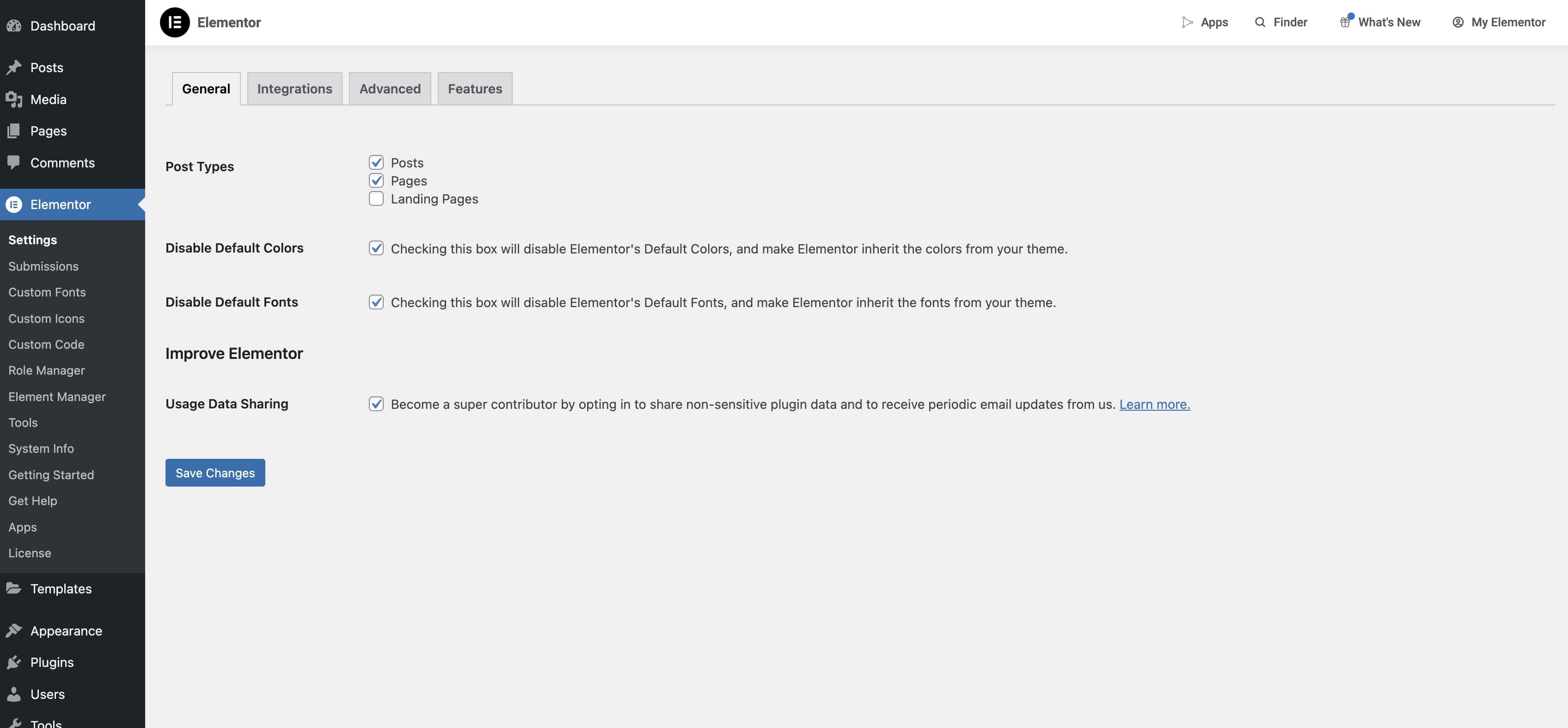
- From the admin dashboard's side menu, click on
Elementor>Settingsto open the Elementor settings page. - Find the "Disable Default Colors" option on the page and make sure the checkbox is ticked on.
- Find the "Disable Default Fonts" option on the page and make sure the checkbox is ticked on.
- Click on "Save Changes" to save the updates.
Enable Necessary Features
info
The Dawn theme does not make use of experimental Elementor features on their latest version. However, ensure the stable features listed below are active.
In Elementor's settings page, click on the Features tab. Here we can see available features for Elementor.
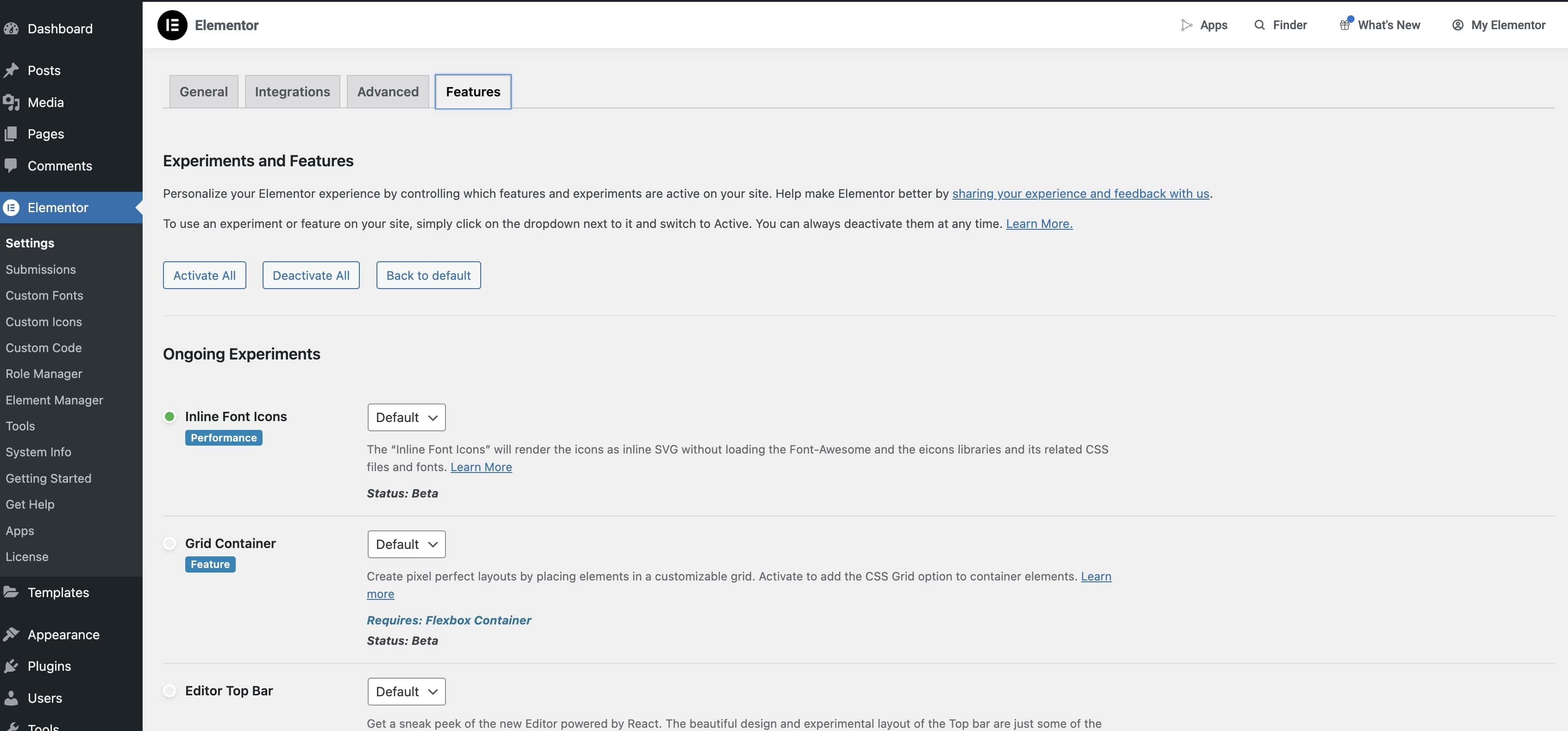
Make sure to set the active option on the dropdown next to each the following features:
info
Some of these may already be active. To verify they are simply make sure they have a green dot next to the feature. This means they are already active and no further action is needed.
- Optimized DOM Output (on newer versions of Elementor this may not need additional activation and therefore may no longer be on the list)
- Additional Custom Breakpoints
- Flexbox Container
- After making any changes click on
Save Changesat the bottom of the page.