Kit Globals Customization
The Dawn Elementor kit is configured to use many global settings. Below we describe what has been explicitly modified for Dawn so it is easy to understand where you can go to modifiy the theme for your needs.
The Global Settings can be accessed from any page or template being edited through Elementor's editor.
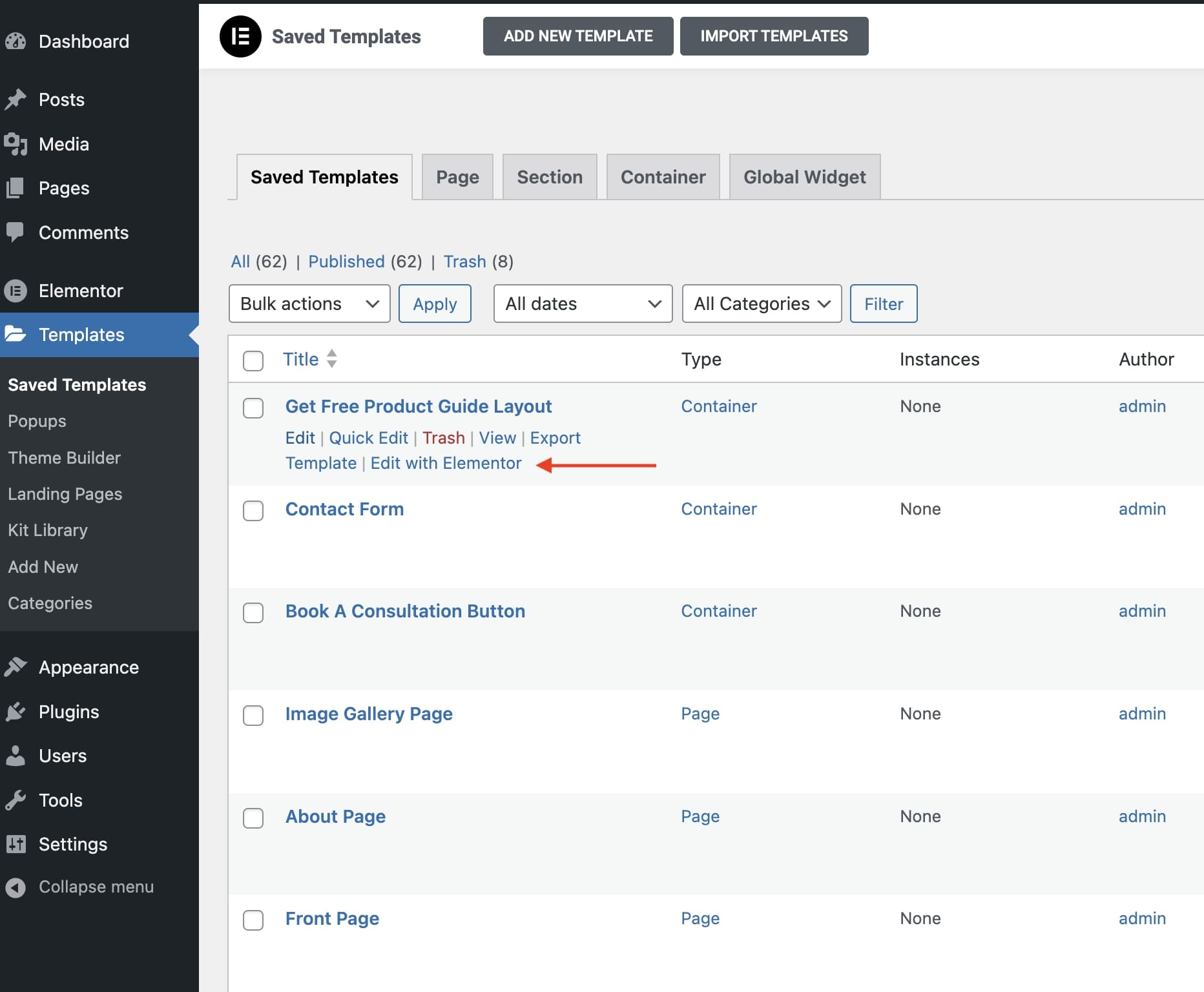
- Navigate to your Wordpress admin dashboard.
- Navigate to the
Templates>Saved Templates, and click on the "Edit with Elementor" link on any template listed.
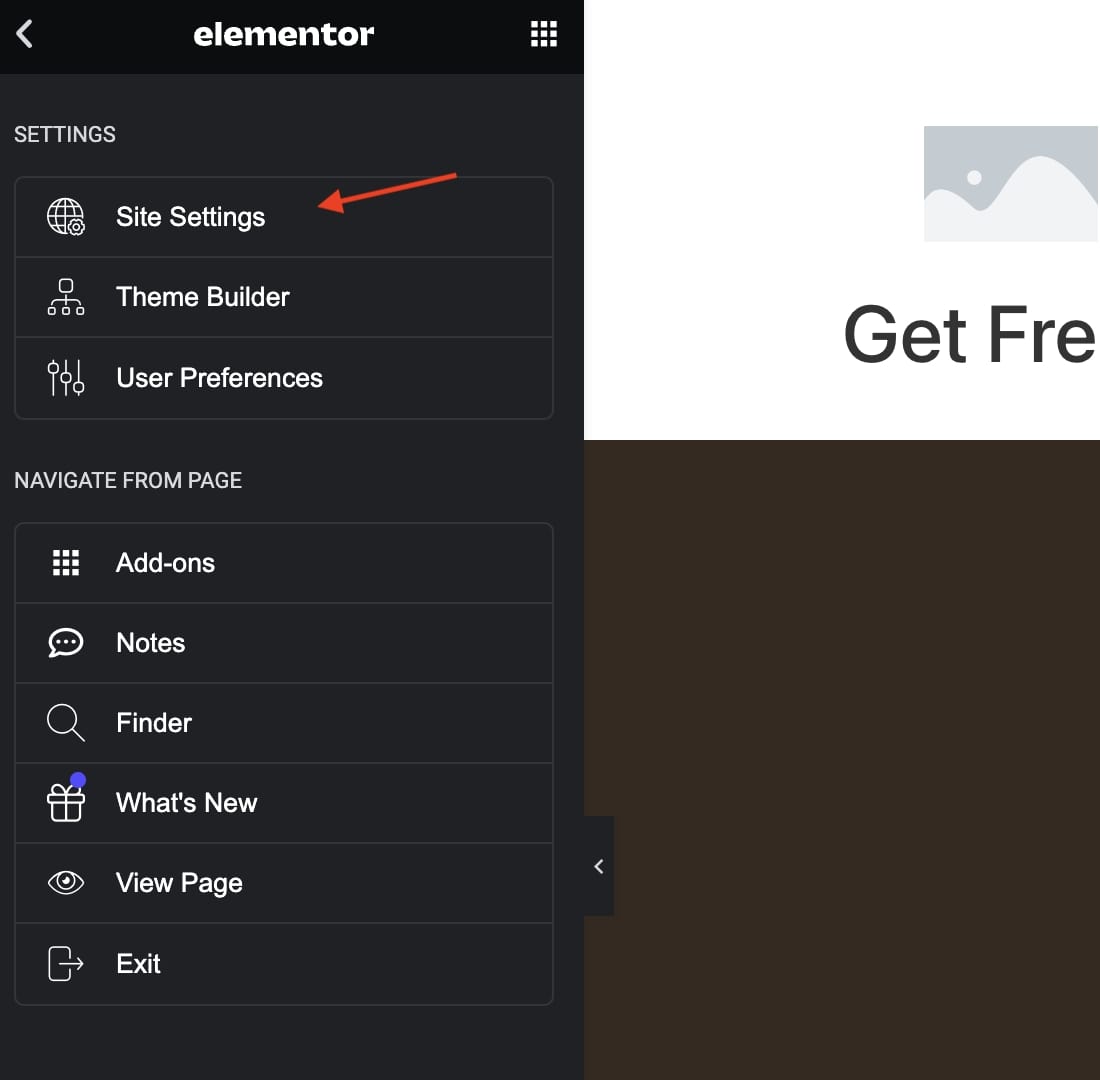
- Click on the hamburger menu on the top-left in the Elementor editor page.
- Click on
Site Settings.
Design System Section
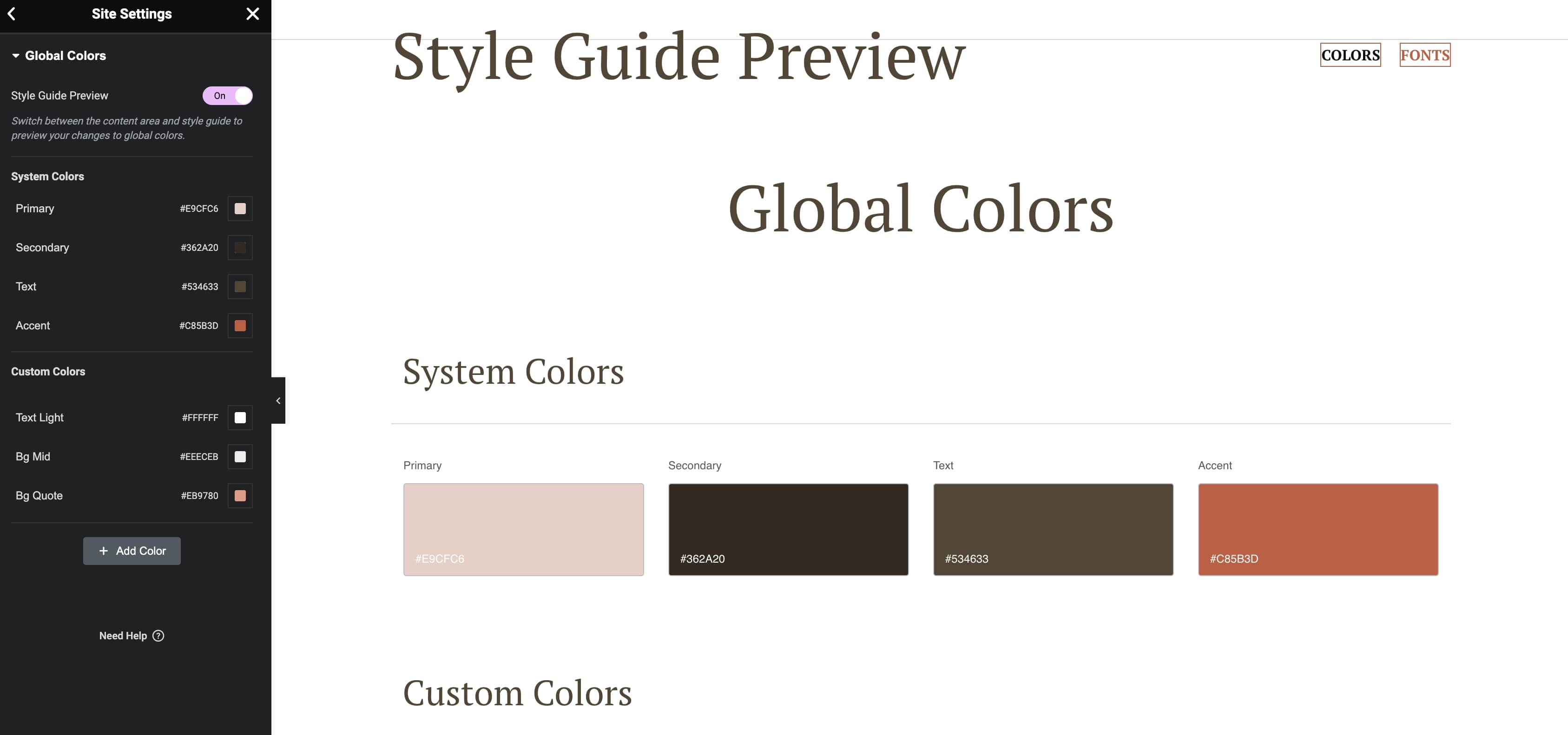
Global Colors
Click on Global Colors to edit the theme-wide colors.
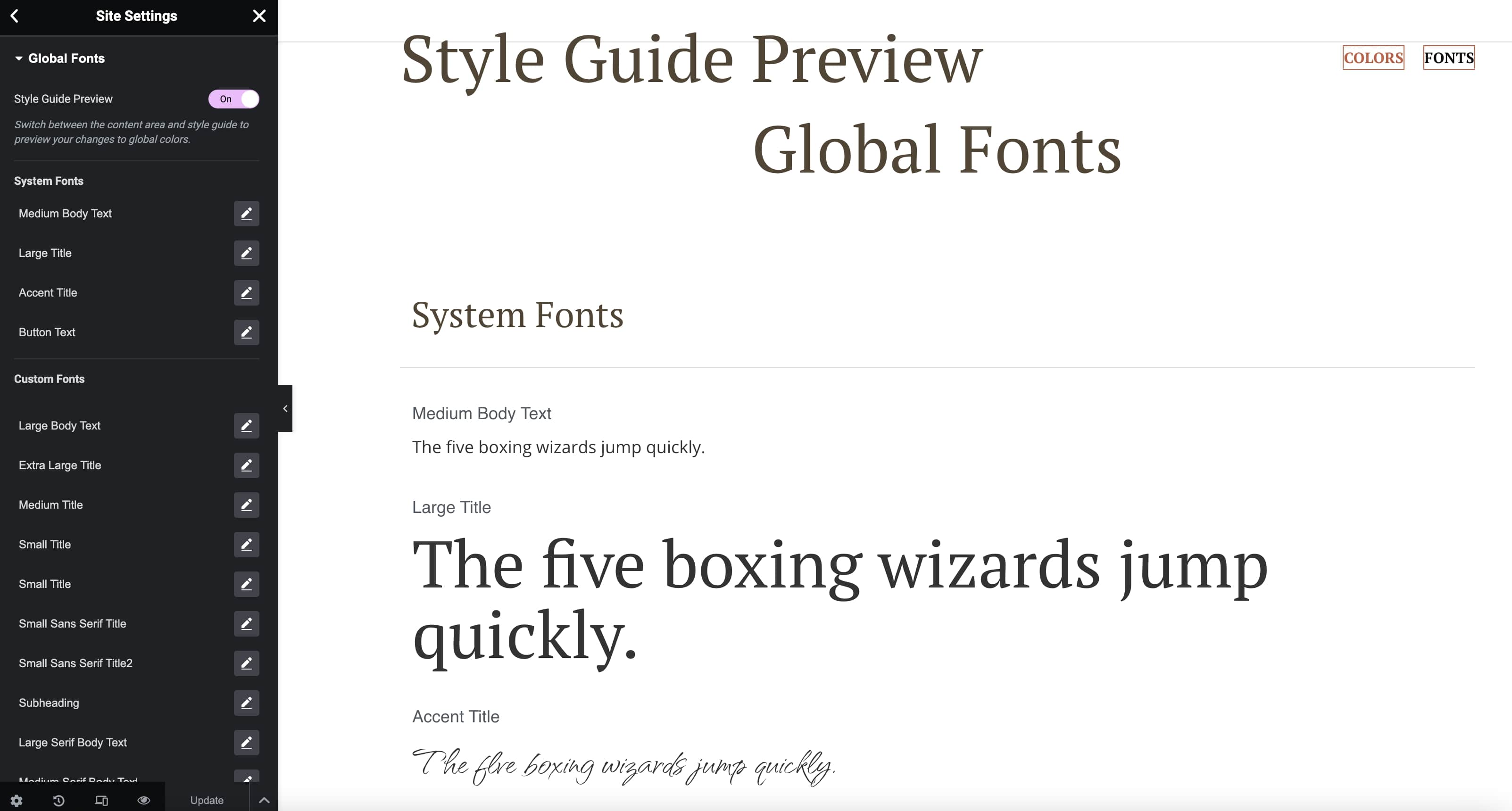
Global Fonts
Click on Global Fonts to edit the theme's global typography.
Theme Styles Section
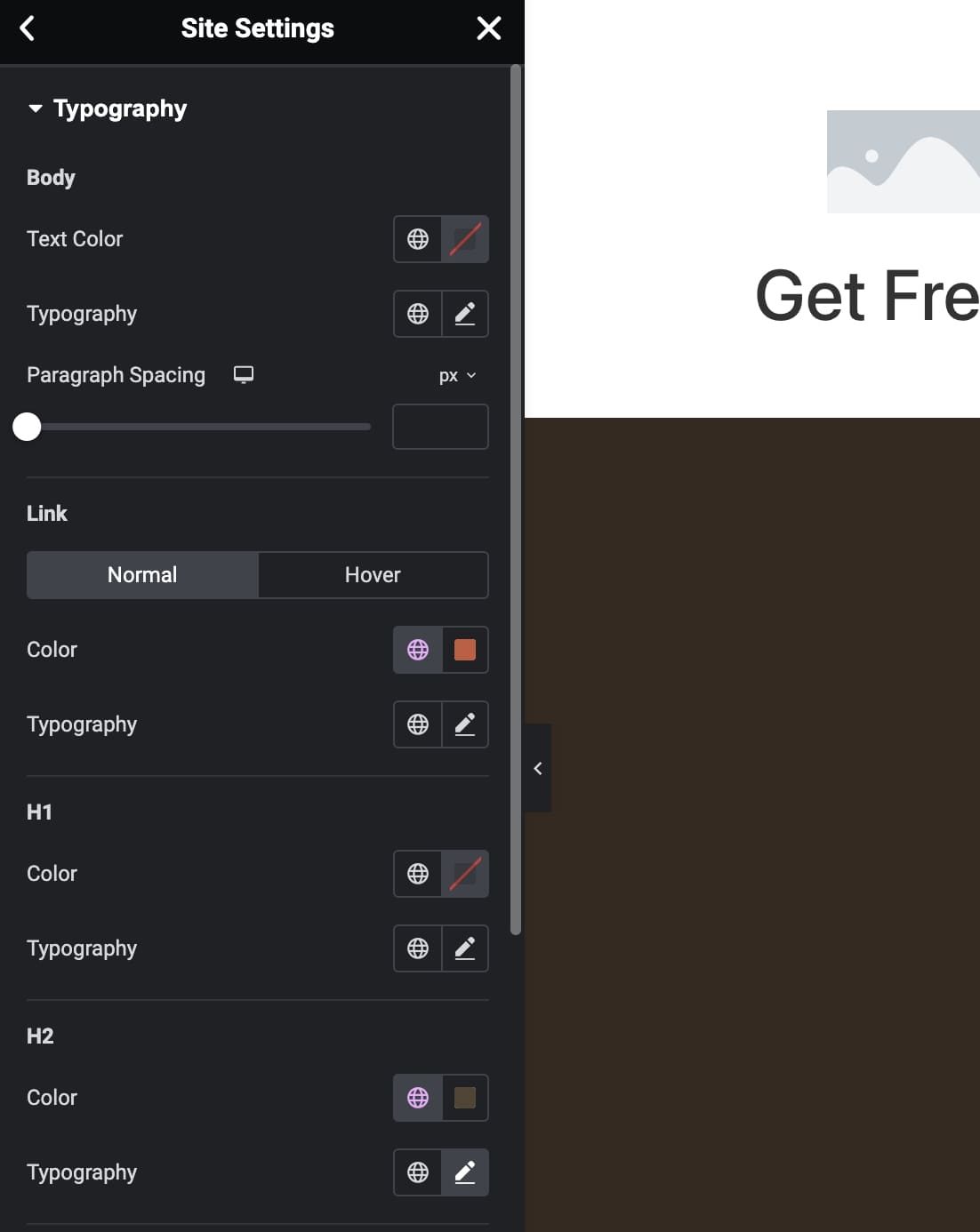
Typography
Click on Typography to edit the default typography settings for the site. These settings are typically used for the blog article pages or content that is written through a content editor. They are typically not used otherwise, as the theme will explictly set typography settings on content sections to fit the design needs.
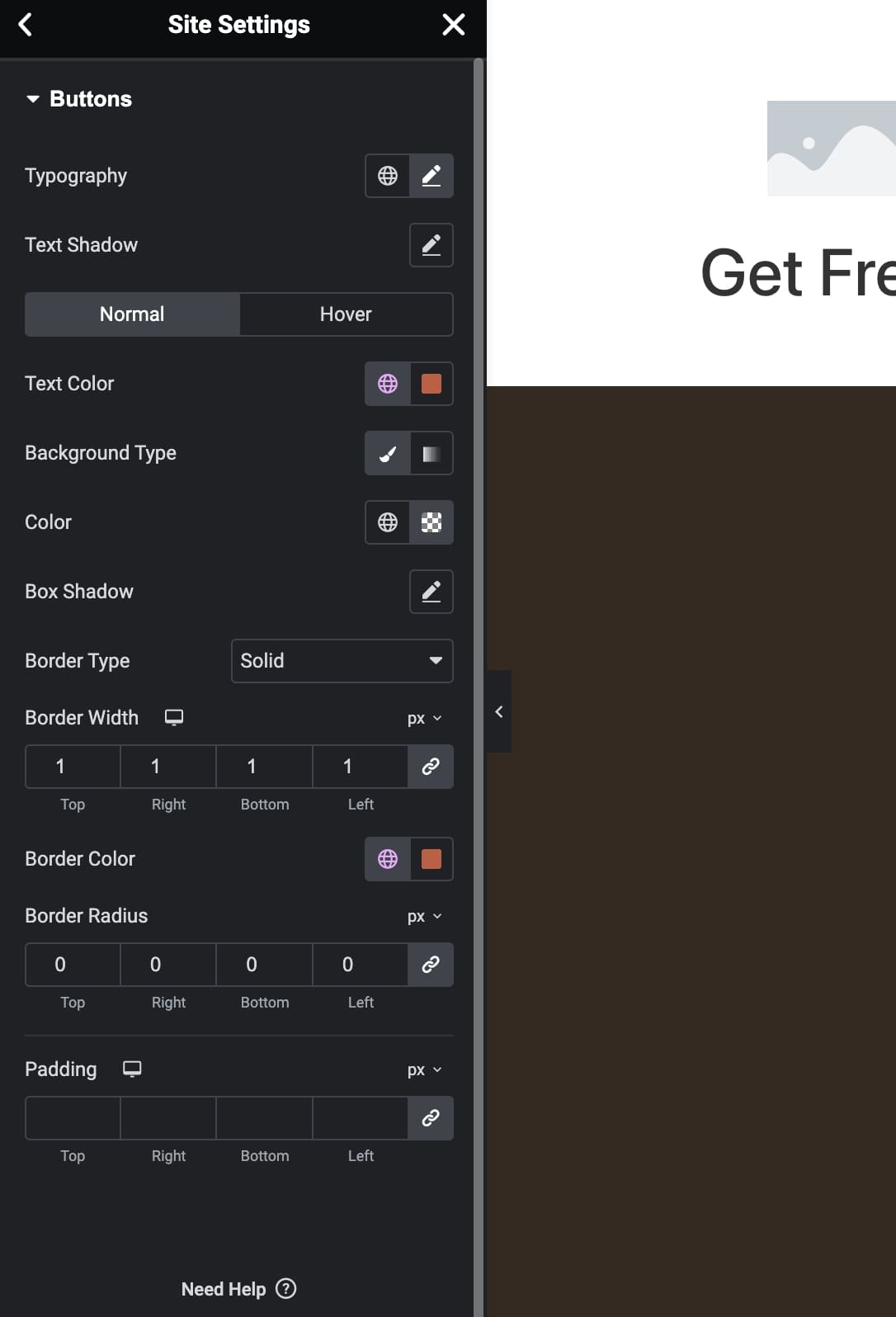
Buttons
Click on Buttons to edit the default button style for the theme.