Demo Content Display Rules
Ensuring Elementor's template display rules are correct for the demo content
If you notice some templates are not displaying where you'd expect them, you can review the display rules for each template part by following the steps below:
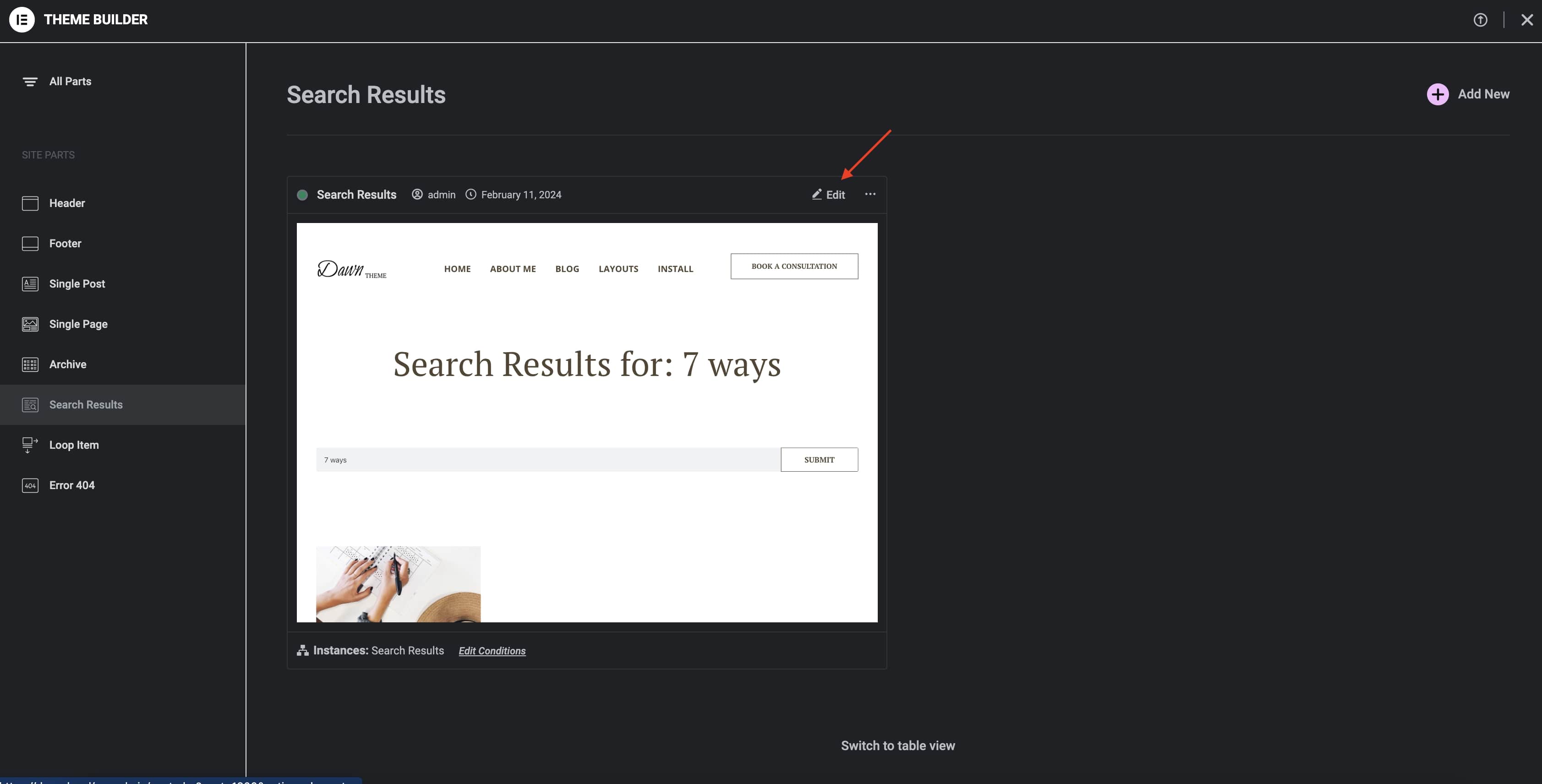
- Navigate to
Templates>Theme Builderfrom the Wordpress admin side menu. - Click on the template on the list to preview it.
- Click on
Editto load the template whose display rules you'd like to review.
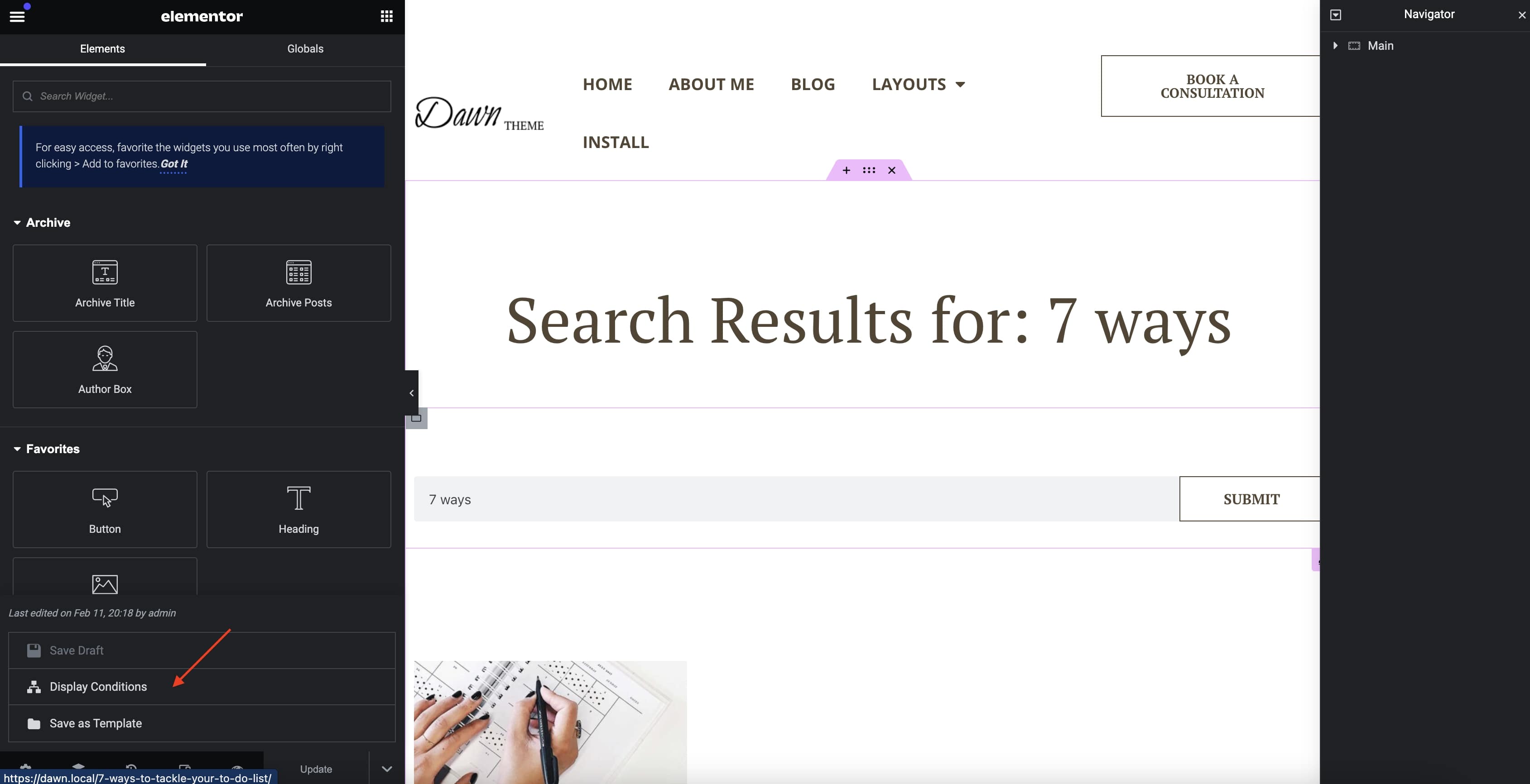
- Click on the up caret and click on the
Display Conditionsmenu item to review the rules.
Review the table below and ensure the display rules match for each template:
| Template | Include/Exclude | Value |
|---|---|---|
| Primary Header | Include | Singular - Front Page |
| Secondary Header | Include | Entire Site |
| Main Footer | Include | Entire Site |
| Blog Post | Include | Posts - All |
| Blog Post w/Sidebar | Include | Posts - How to structure your workday |
| Blog Home | Include | Posts Archive |
| Archives | Include | All Archives |
| Search Results | Include | Search Results |
| Error 404 | Include | 404 Page |
| Single Product | Include | Products |
| Products Archive | Include | All Product Archives |
| Shop Header | Include | WooCommerce - Entire Shop |
| Include | Singular - Pages - MyAccount | |
| Include | Singular - Pages - Checkout | |
| Include | Singular - Pages - Cart | |
| Include | Singular - Pages - Thank You |