Theme Installation
Dawn Parent Theme Installation
- Log in to your Wordpress admin dashboard.
- Navigate to
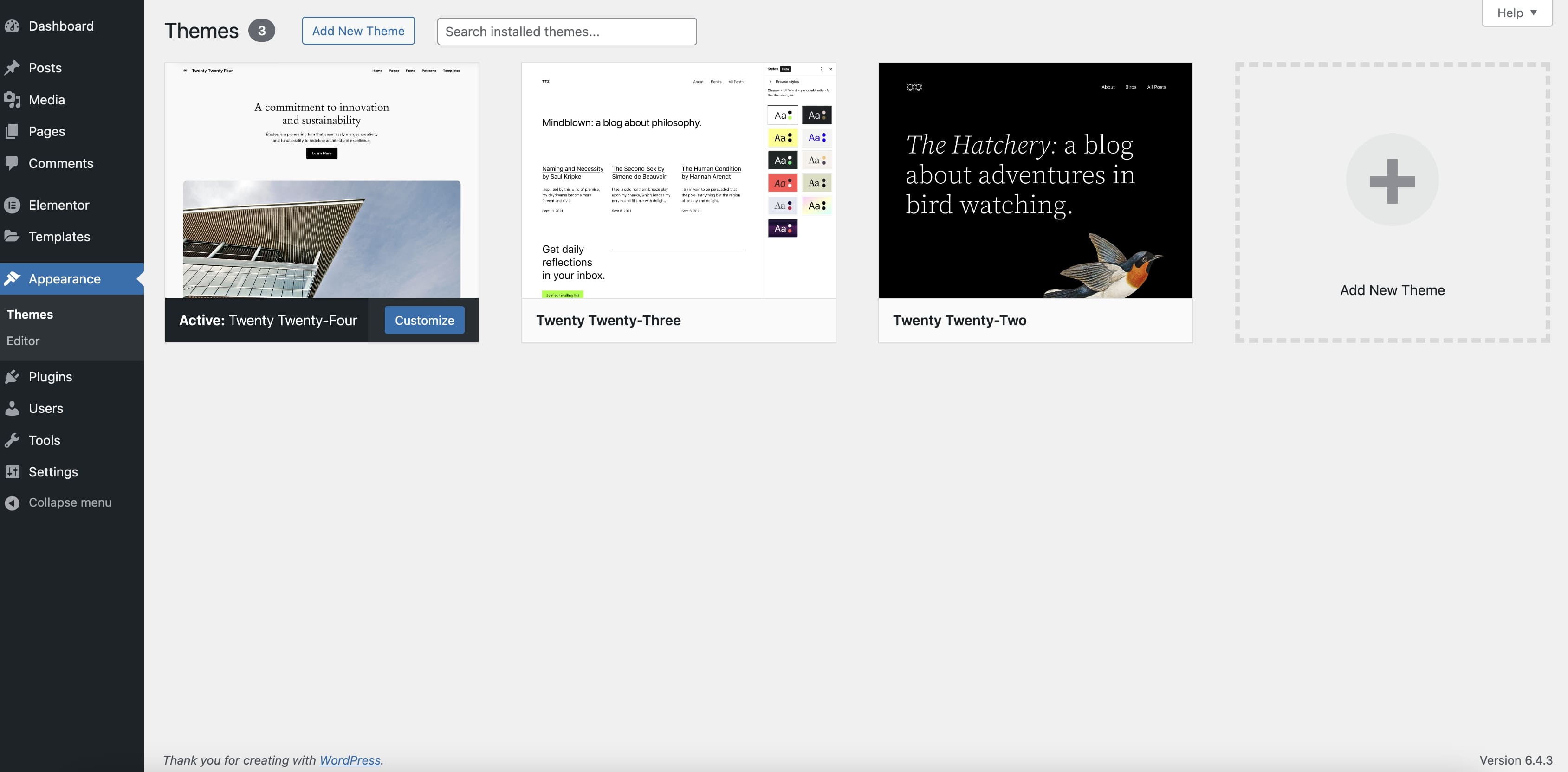
Appearance > Themesin the side menu. - Click on
Add New Themeat the top of the page.
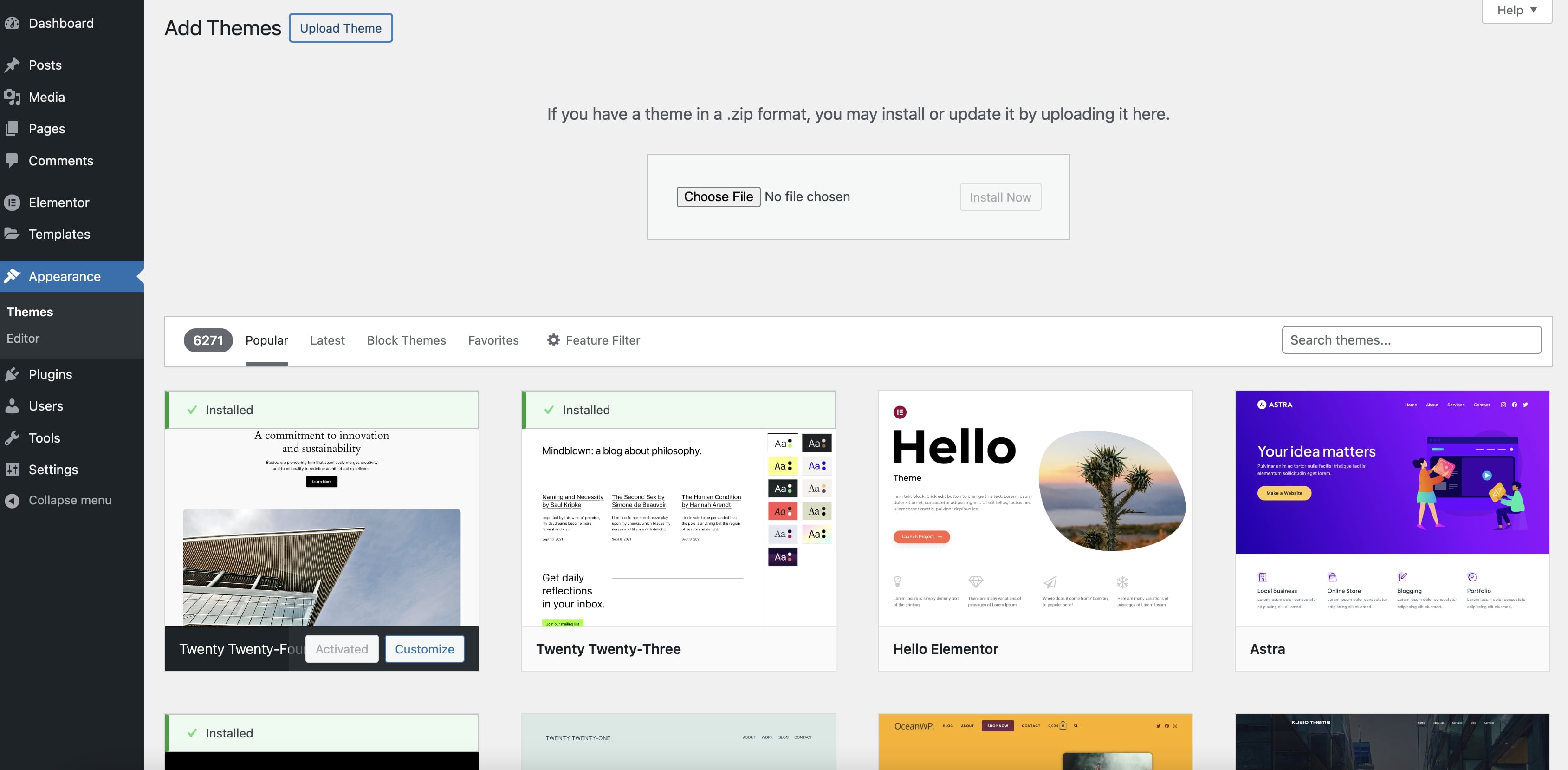
- Click on
Upload Theme. - Select the
dawn.#.#.#.zipfile that was included with your purchase. - Press the
Install Nowbutton.
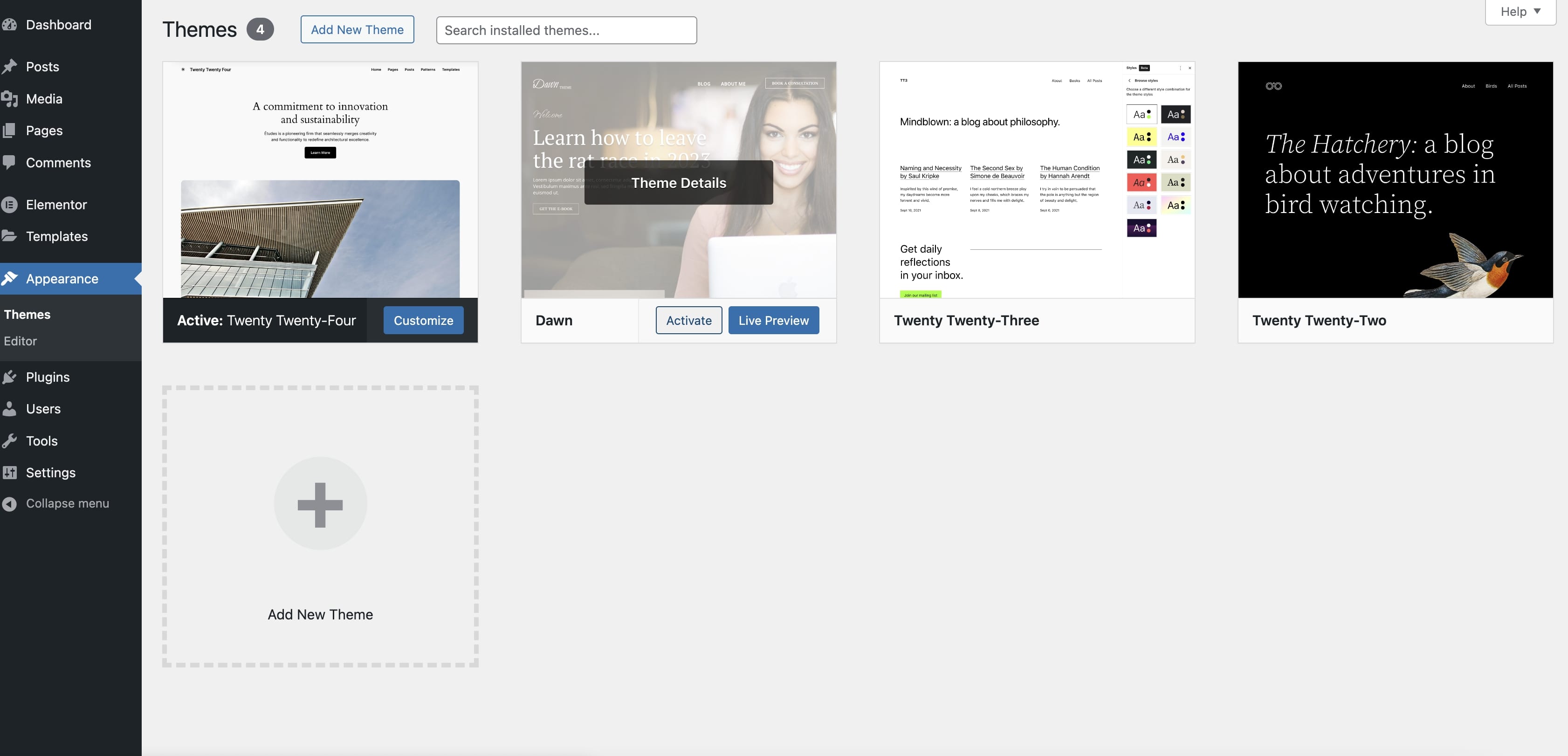
Once uploaded, navigate to Appearance > Themes in the side menu, find the Dawn theme and activate it.
Dawn Child Theme Installation (recommended)
- Navigate to
Appearance > Themesin the side menu. - Select
Add New Themeat the top of the page and selectUpload Theme. - Select the
dawn-child-theme.zipfile included with your purchase. - Press the
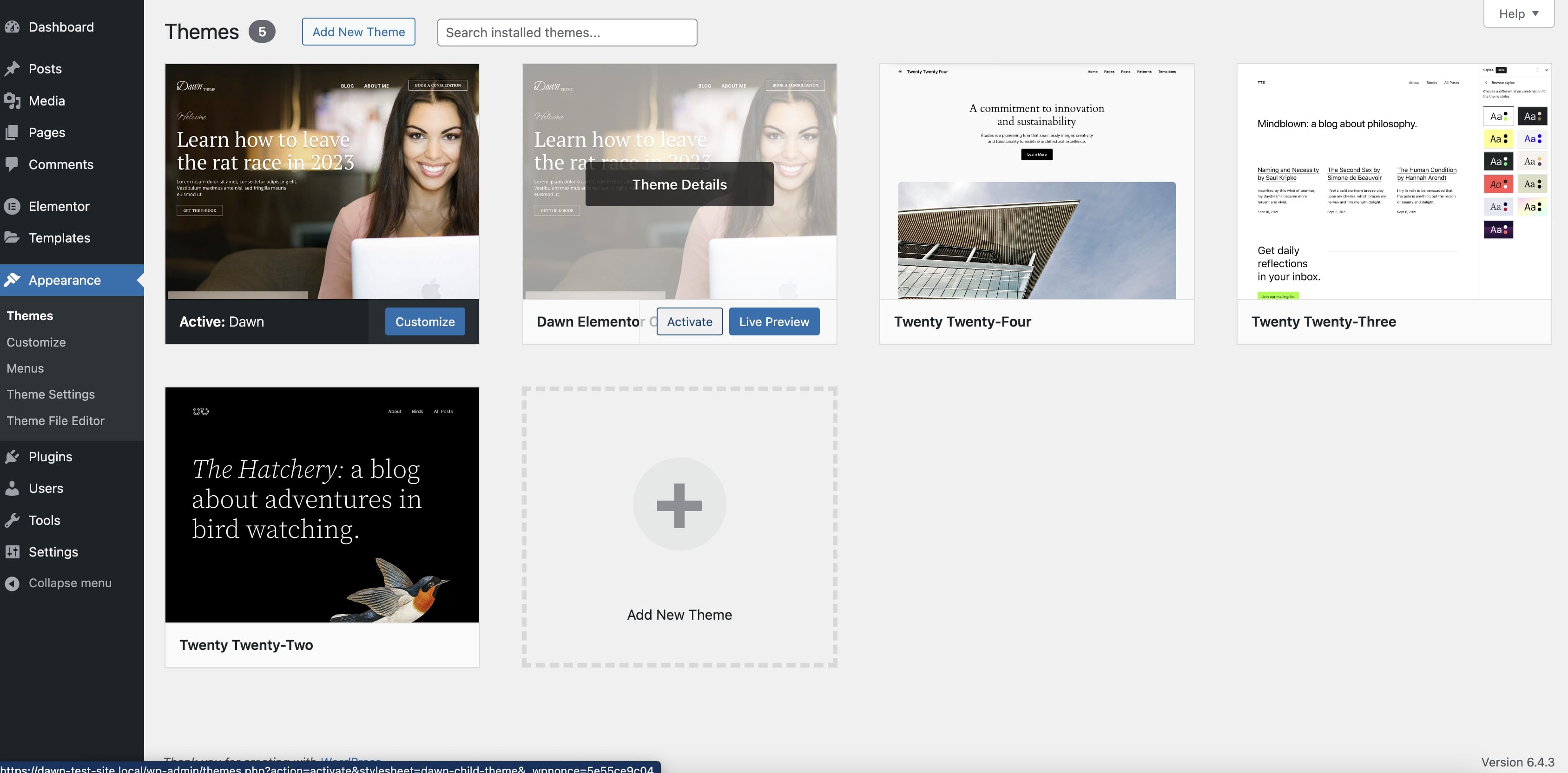
Install Nowbutton. - Once uploaded, navigate to
Appearance > Themesin the side menu, find the "Dawn Elementor Child" child theme and activate it.
info
You will need to keep the parent theme file installed as the child theme needs the parent to function.