Update Reading Settings
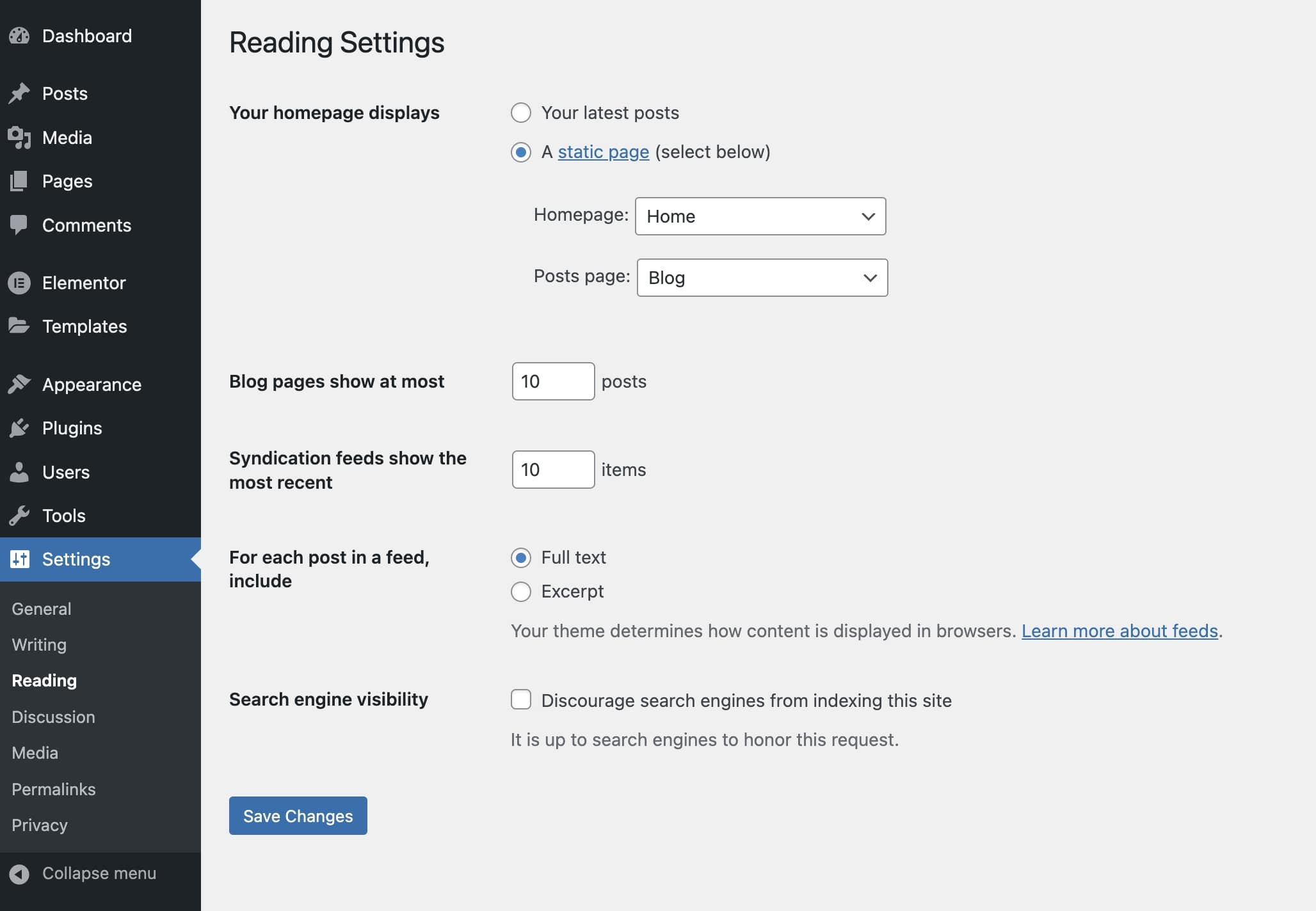
Update the reading settings to connect the front page and blog home pages to the templates in the kit.
- Navigate to
Settings>Readingin the admin dashboard. - Set "Your homepage displays" to "A static page (select below)".
- Set "Homepage:" to "Home".
- Set "Posts page:" "Blog".
🎉🎉 Congrats, your theme is ready to start customizing. If certain pages do not show the templates you'd expect, head on to the next section to troubleshoot the display rules.