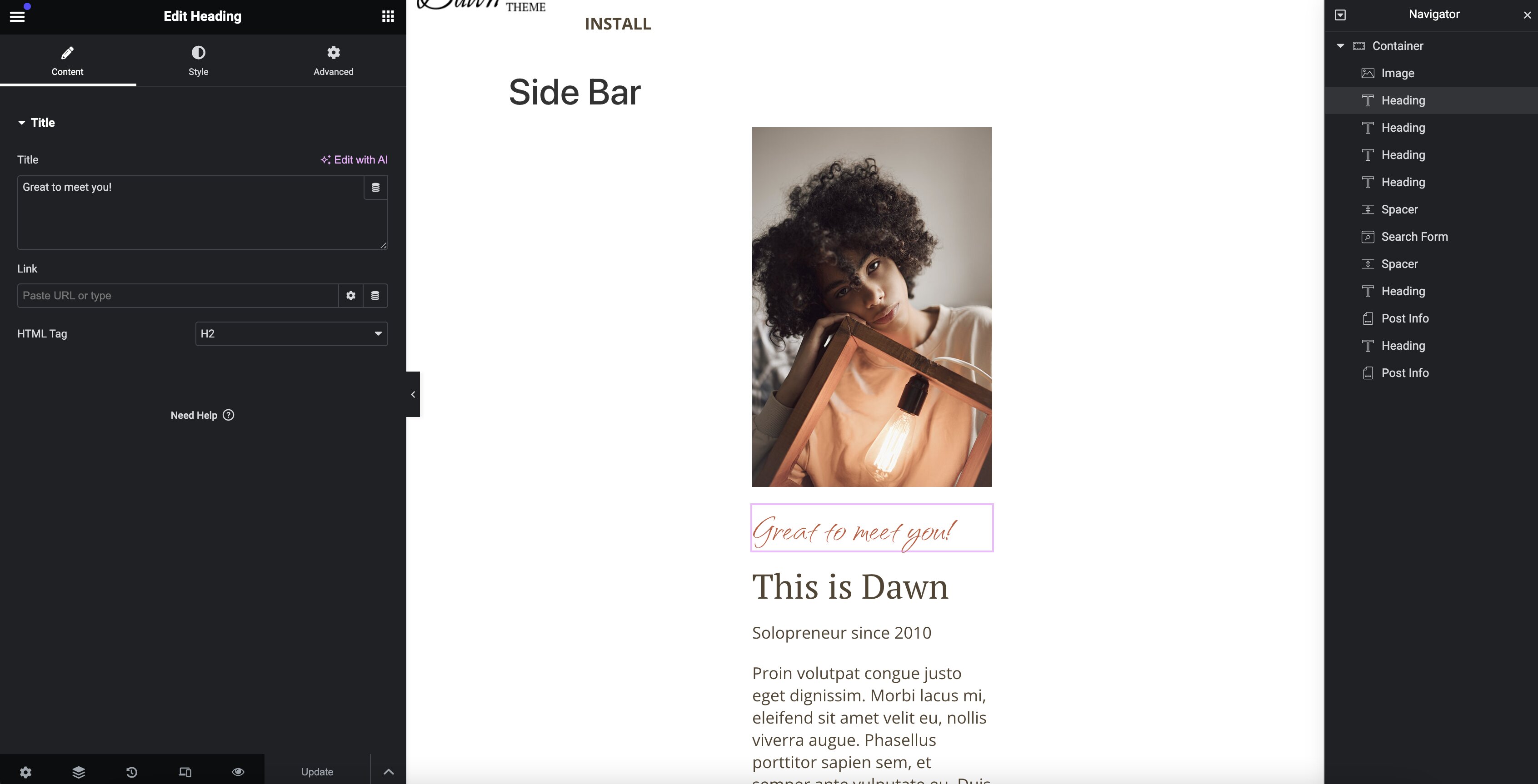
How to Add Widgets to the Sidebar
Our sidebar template does not utilize Wordpress's built-in sidebar and widget functionality and instead uses a simple Elementor template. This allows for any component that Elementor provides to be used in the sidebar component without much trouble. You can also very easily create new sidebar templates based on our template to provide different sidebars in your site as needed.
Displaying our included sidebar
The sidebar we have included is configured to display on our alternate blog post theme part by default. This theme part is not applied to all blog posts by default, but can be configured by updating the display rules for that theme part. For details on how to do this, see the section for configuring the alternate blog post theme part in the "How to Show the Sidebar" recipe.
Modifying elements on our sidebar template
- Navigate to
Templates>Saved Templatesin your Wordpress admin dashboard. - Click
Edit with Elementorbelow the "Side Bar" template on the list.
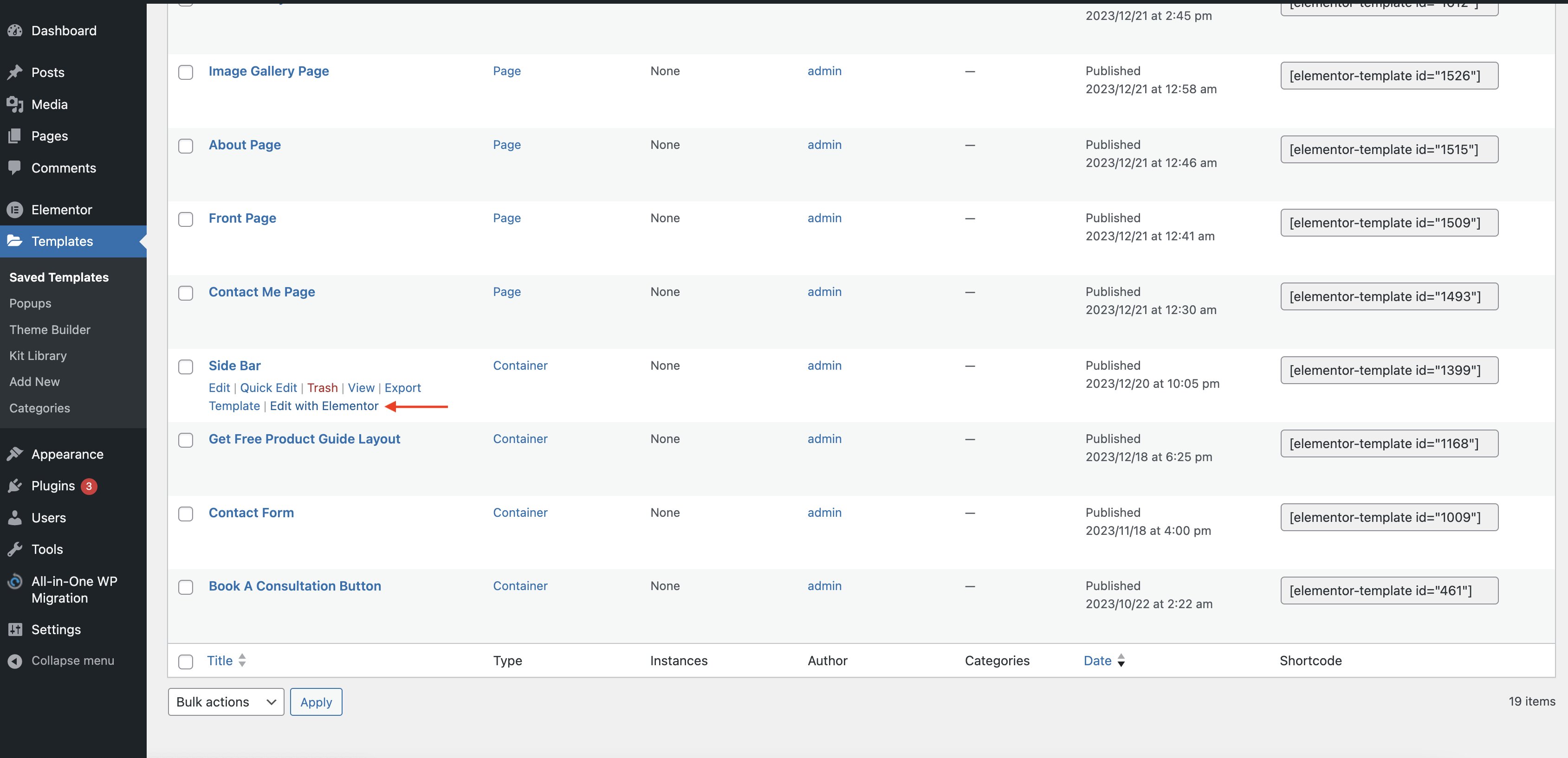
- Edit the sidebar template as needed.