How to Update the Secondary Header Logo
The Site Identity settings located in Wordpress's customizer page or Elementor's Site Settings section allow you to update the logo image for your site. This setting, however, applies to the primary header that displays on the home page by default.
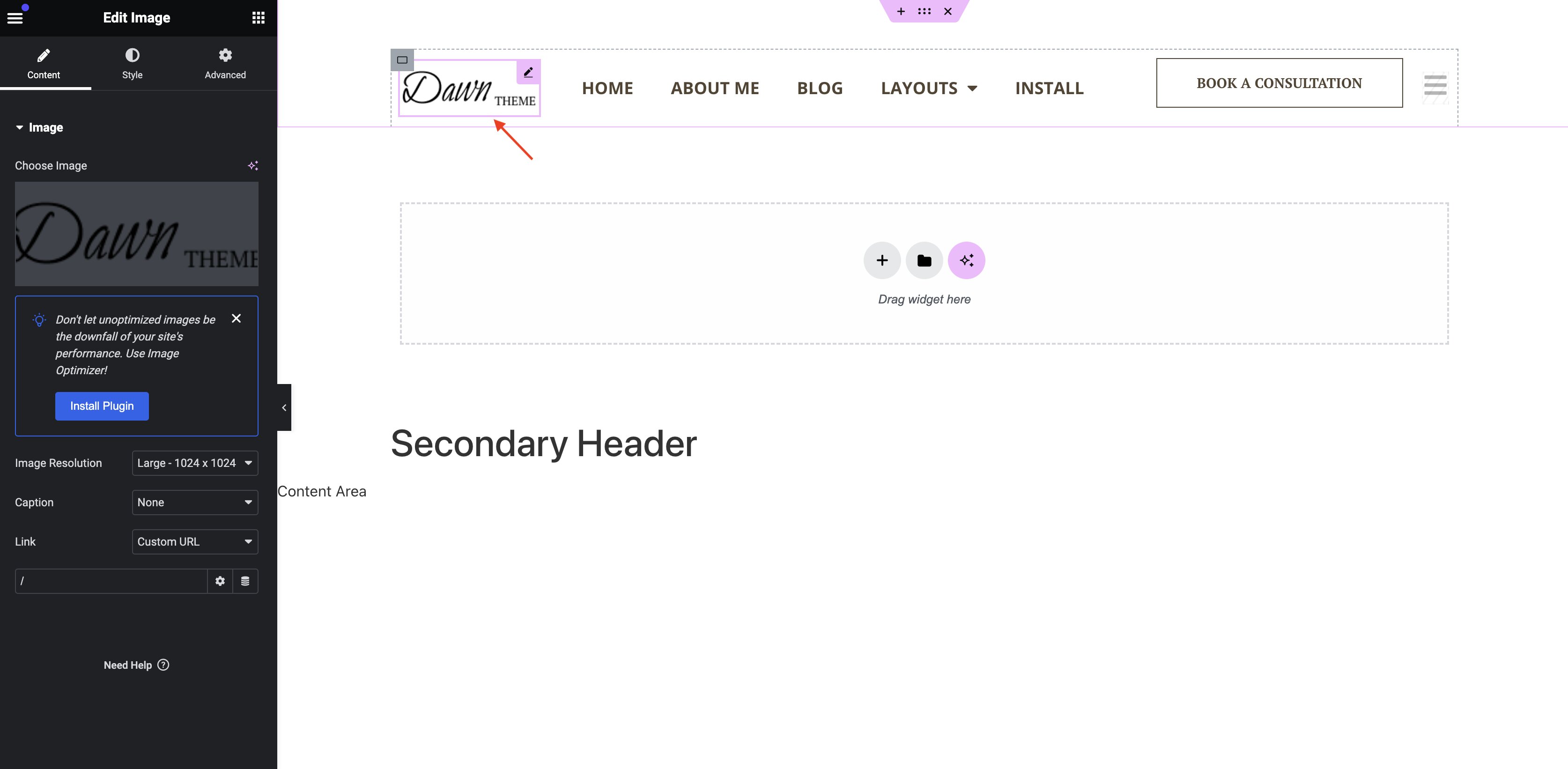
The logo located on the secondary header requires a direct edit on the secondary header template:
- Navigate to
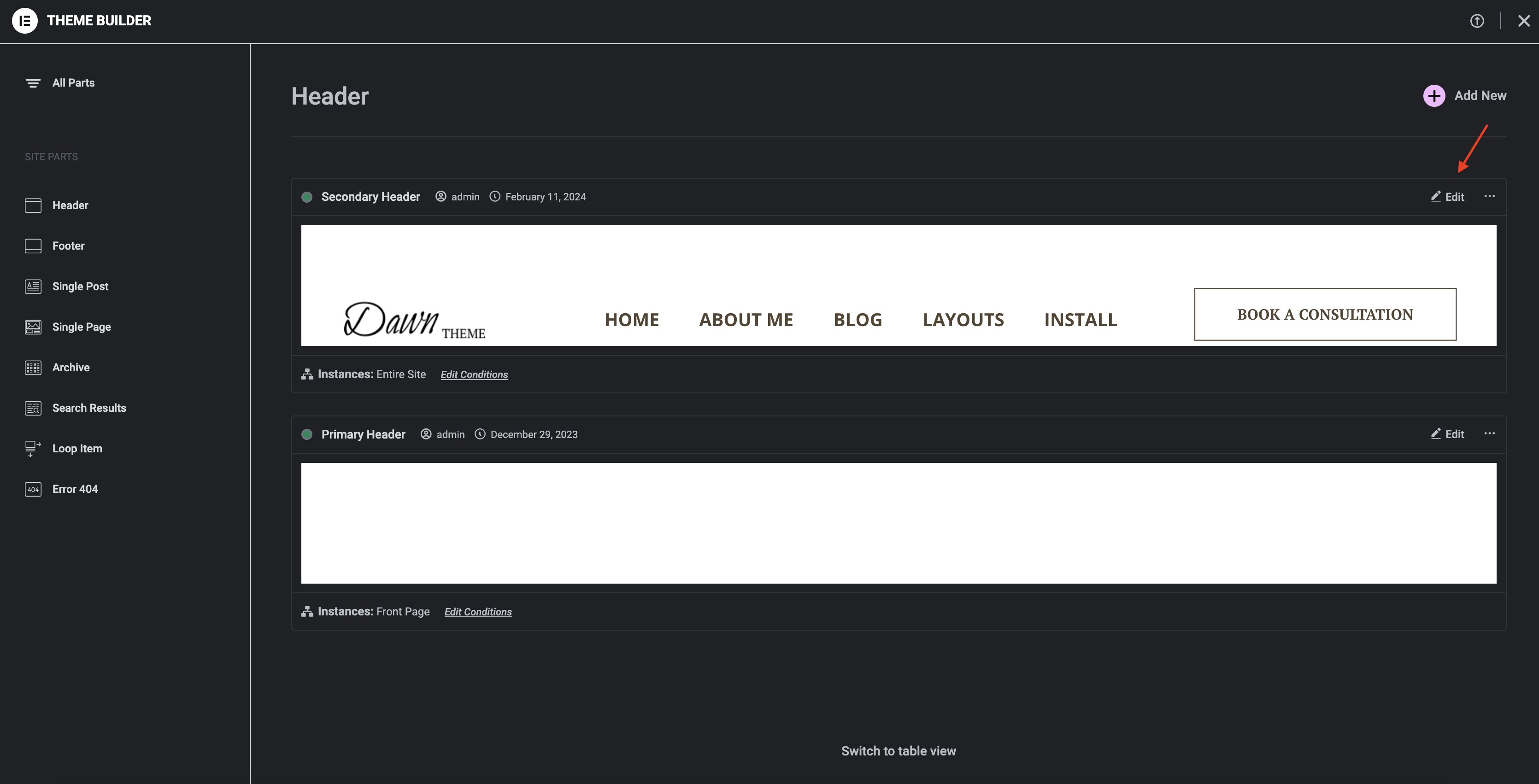
Templates>Theme Builderfrom the admin dashboard. - Click on the "Secondary Header" template in the theme builder and click on the
Editbutton on the top right of the template.
- Once the template is open, simply click on the logo image on the top left to edit.