How to Show the Sidebar on All Blog Posts
If you set up the theme to display the demo content, the blog post theme part will display without a sidebar on all but one blog post.
To display all blog posts with a sidebar, do the following:
- Edit the display conditions on the "Blog Post" theme part (see instructions to navigate to the display rules) and remove any display rules defined on it.
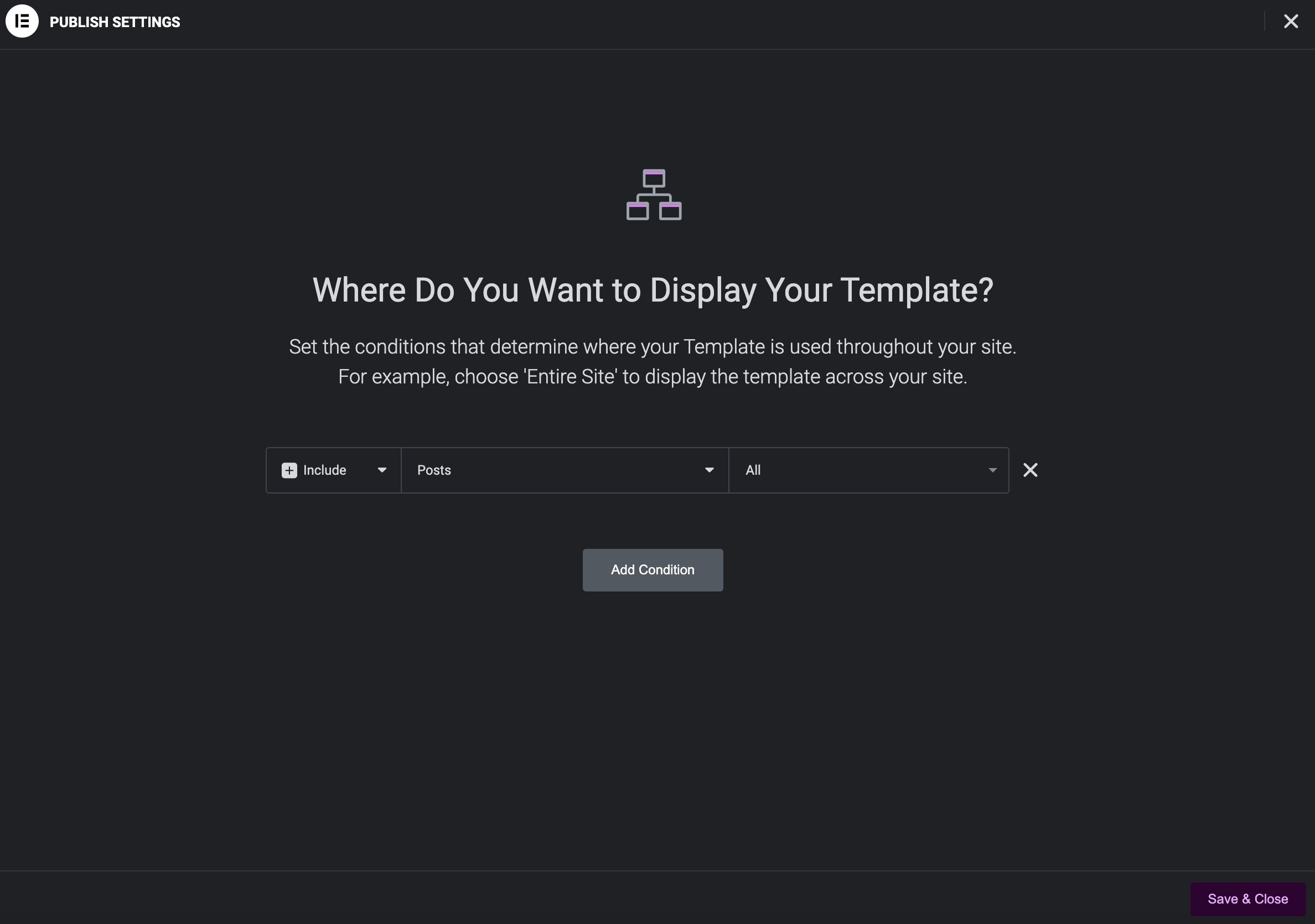
- Edit the display conditions on the "Blog Post w/Sidebar" theme part and add the display rule of "Posts - All".
- After saving the changes, visit a blog post and confirm the sidebar now displays.